Triangle mesh
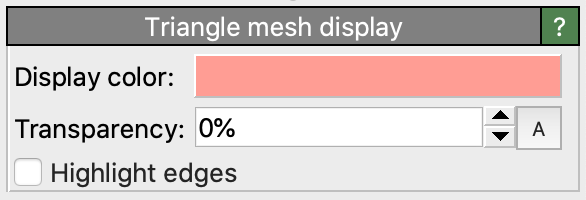
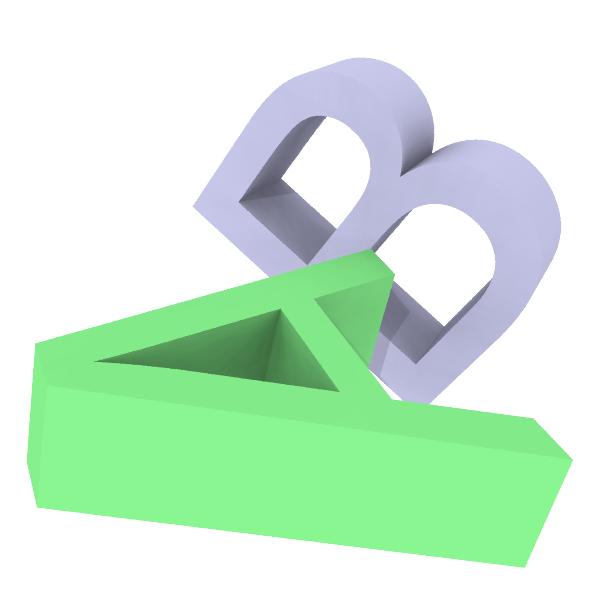
This visual element controls the appearance of triangle meshes, which are general polyhedral objects made of vertices and triangular faces connecting those vertices. Typically, triangle meshes are imported into OVITO from an external data file, for example an STL or an OBJ file. See the list of supported file formats.
The faces or the vertices of a triangle mesh may be associated with color information loaded from the imported geometry file. If not present, the uniform color of the mesh is controlled by the user through this visualization element.
Parameters
- Display color
The color used for rendering the triangle mesh. Only takes effect if the mesh has no per-vertex or per-face color information.
- Transparency
The degree of semi-transparency to use when rendering the mesh.
- Highlight edges
Activates the rendering of wireframe lines along the visible edges of the mesh faces.
- Line width (px)
The width of the wireframe lines in device-independent pixels. The default value (zero) lets the rendering system choose the line width automatically.
- Line color
The color used for rendering the wireframe lines.
- Always fully opaque
When enabled, the wireframe lines are always rendered fully opaque, regardless of the mesh transparency setting. When disabled, the wireframe lines adopt the same transparency as the mesh surface.
See also
ovito.vis.TriangleMeshVis (Python API)