Hide selected
Added in version 3.17.0.
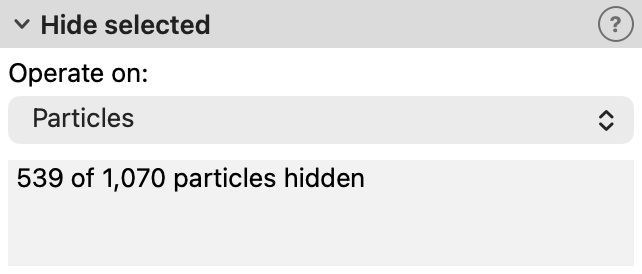
This modifier hides the currently selected data elements (particles or bonds) in the interactive viewports and in rendered images.
It sets the Hidden property of all elements whose Selection property is non-zero to 1 and then clears the selection.
Elements that are already hidden in the modifier’s input stay hidden.
Unlike the Delete selected modifier, this modifier does not remove the elements from the dataset. Hidden elements are still seen by subsequent modifiers in the pipeline, are included in the output written by file exporters, and are listed in the data inspector. They are merely skipped during rendering:
Hidden particles are not rendered, and neither are the bonds, vector arrows, and text labels attached to them.
Hidden bonds are not rendered, and neither are their vector arrows and text labels.
Hidden elements cannot be picked or selected with the mouse in the viewports.
Hidden elements do not contribute to the extent of the scene used by the Zoom Scene Extents function.
The Operate on field selects the kind of data elements the modifier should hide.
Tip
Instead of using this modifier, you can set the Hidden property directly with the Compute property
modifier, for example, to hide particles depending on some criterion without creating a selection first.
A non-zero value of the Hidden property hides an element.
See also
ovito.modifiers.HideSelectedModifier (Python API)